
Launching a website without proper QA is like releasing software without testing it. Everything may look perfect on the surface, but hidden issues can damage user experience, SEO, conversions, and credibility within minutes of going live.
That’s why a solid website QA checklist matters. It helps teams catch broken links, layout issues, slow-loading pages, SEO mistakes, and mobile responsiveness problems before users ever see them.
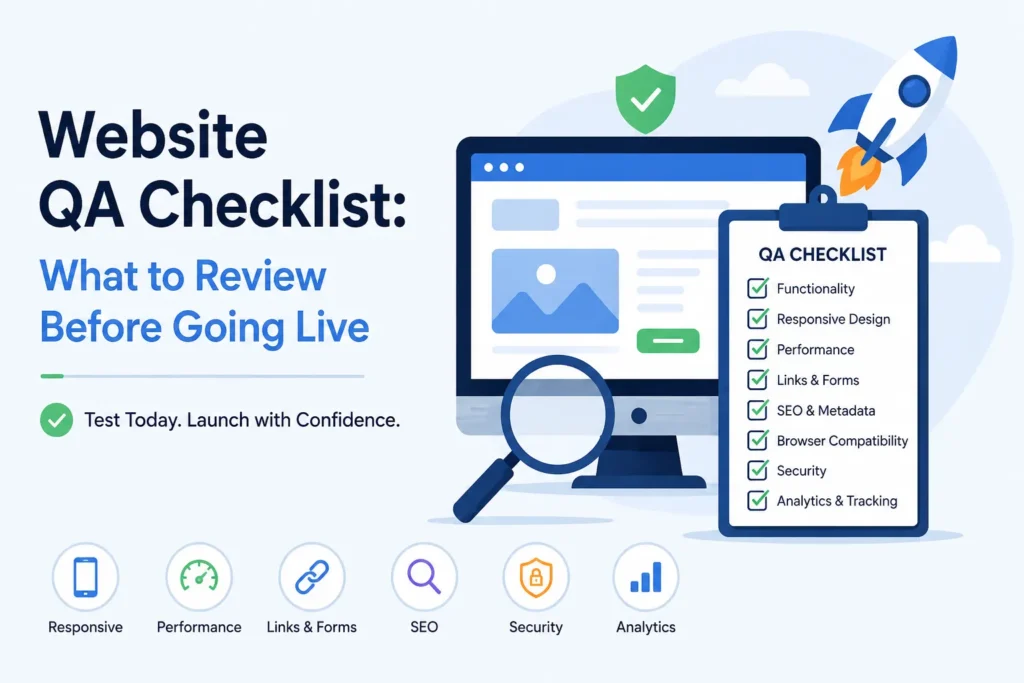
Before launching a website, review:
- Mobile responsiveness
- Page speed and performance
- Broken links and forms
- SEO basics and metadata
- Browser compatibility
- Content accuracy
- Security and analytics setup
In this guide, you’ll learn exactly what to review before launching a website, along with practical QA steps that help QA teams avoid costly mistakes and last-minute chaos.
Why Website QA Is Important Before Launch
A website launch is not just a design milestone. It is a business milestone.
Even a small issue can affect:
- User trust
- Conversion rates
- Search rankings
- Lead generation
- Brand reputation
Imagine launching a new website only to discover:
- Contact forms are broken
- Pages load slowly on mobile
- Buttons do not work in Safari
- Meta titles are missing
- Important pages are blocked from indexing
These are common launch mistakes, and most happen because teams skip structured QA.
A proper website QA checklist prevents these problems before they impact real users.
The Ultimate Website QA Checklist Before Going Live
1. Check Mobile Responsiveness
Most traffic now comes from mobile devices. If your site looks broken on smaller screens, users will leave immediately.
Review:
- Navigation menus
- Button sizes
- Font readability
- Image scaling
- Spacing between sections
- Mobile popups and forms
Test On:
- iPhone
- Android devices
- Tablets
- Different screen sizes
A website may look perfect on a desktop and still fail badly on mobile.
2. Test Website Speed and Performance
Speed affects both SEO and conversions.
Even a one-second delay can reduce engagement and increase bounce rates.
Review:
- Page load speed
- Image optimization
- Lazy loading
- JavaScript performance
- CSS rendering issues
Tools to Use:
- Google PageSpeed Insights
- GTmetrix
- Lighthouse
Important:
Do not only test your homepage. Product pages, blogs, and landing pages often load differently.
3. Verify All Links and Navigation
Broken links instantly reduce trust.
Before launch, review:
- Navigation menus
- Internal links
- Footer links
- CTA buttons
- External links
- Redirects
Common QA Mistakes:
- Buttons linking to staging URLs
- Broken anchor links
- Incorrect redirects after migration
A simple link issue can block users from converting.
4. Review Forms and User Inputs
Forms are often overlooked during QA, yet they are critical for lead generation and communication.
Test:
- Contact forms
- Signup forms
- Checkout flows
- Newsletter subscriptions
- File upload fields
Verify:
- Error validation works
- Confirmation messages appear
- Emails are delivered correctly
- Spam protection is active
One broken form can quietly kill leads for weeks.
5. Check SEO Essentials
A beautiful website means nothing if search engines cannot understand it.
This part of the website QA checklist is critical for visibility after launch.
Review:
- Meta titles and descriptions
- H1 headings
- Image alt text
- Canonical tags
- XML sitemap
- Robots.txt
- URL structure
- Schema markup
Also Verify:
- No “noindex” tags remain from staging
- Redirects are properly implemented
- Analytics and Search Console are connected
Many websites accidentally block Google during launch because staging settings are never removed.
6. Test Browser Compatibility
Your website should work consistently across all major browsers.
Test On:
- Chrome
- Safari
- Firefox
- Edge
Review:
- Fonts
- Layout alignment
- Animations
- Forms
- Video playback
Small browser inconsistencies can create major usability problems.
7. Review Website Content Carefully
Content mistakes hurt credibility immediately.
Check:
- Spelling and grammar
- Incorrect dates
- Placeholder text
- Duplicate content
- Formatting consistency
Common Mistakes:
- “Lorem ipsum” still visible
- Broken formatting after migration
- Missing images
- Inconsistent CTA messaging
Fresh eyes matter here. Teams often miss mistakes because they have seen the same pages too many times.
8. Verify Tracking and Analytics
Without tracking, you cannot measure website performance after launch.
Confirm:
- Google Analytics is installed
- Google Tag Manager works
- Conversion tracking is active
- Meta Pixel is firing correctly
- Events are configured properly
Important:
Test conversions yourself instead of assuming they work.
9. Review Accessibility Basics
Accessibility is no longer optional.
A usable website should work for everyone.
Review:
- Color contrast
- Keyboard navigation
- Alt text
- Accessible forms
- Heading hierarchy
Improving accessibility also improves usability overall.
10. Centralize Website Feedback Before Launch
One of the biggest launch problems is scattered feedback.
Teams leave comments across:
- Slack
- Spreadsheets
This creates confusion and missed fixes.
Using visual collaboration tools like BugSmash helps teams review live websites, leave visual comments, track revisions, and manage approvals in one place.
Instead of endless screenshots and unclear explanations, reviewers can click directly on the issue and provide contextual feedback instantly.
That speeds up QA significantly.
Best Practices for a Smoother Website QA Process
Follow these simple practices:
✔ Create a QA owner
One person should oversee approvals and final sign-off.
✔ Test in real-world conditions
Use actual mobile devices and slower internet speeds.
✔ Prioritize critical issues first
Fix functionality and UX problems before visual polish.
✔ Keep feedback centralized
Avoid scattered communication across multiple platforms.
✔ Run one final walkthrough
Always complete a final review after fixes are implemented.
Common Website Launch Mistakes
Avoid these common errors:
- Launching without mobile testing
- Missing redirects after migration
- Broken forms
- Forgotten staging settings
- Uncompressed images slowing pages
- Missing analytics tracking
- Ignoring browser compatibility
Most launch problems are preventable with proper QA.
FAQs About Website QA Checklist
1. What is a website QA checklist?
A website QA checklist is a structured process used to review functionality, design, SEO, performance, and usability before a website goes live.
2. Why is website QA important?
It helps identify errors before users encounter them, improving user experience, SEO performance, and conversions.
3. What should be tested before launching a website?
Mobile responsiveness, forms, page speed, SEO settings, browser compatibility, links, and analytics tracking should all be reviewed.
4. How long does website QA take?
It depends on website size and complexity. Small sites may take a few hours, while larger platforms may require several days.
5. How can teams simplify website QA reviews?
Using visual feedback tools like BugSmash helps teams centralize comments, review live pages, and track fixes efficiently.
Conclusion
Launching a website without QA is risky.
Even minor issues can affect SEO rankings, user trust, and conversions immediately after launch.
A structured website QA checklist helps teams catch problems early, improve collaboration, and ensure a smoother launch experience.
The goal is not perfection. The goal is confidence.
By reviewing functionality, responsiveness, performance, SEO, and user experience before launch, teams can avoid last-minute chaos and deliver websites that actually perform well from day one.
Because the best website launches are not rushed. They are tested properly.