
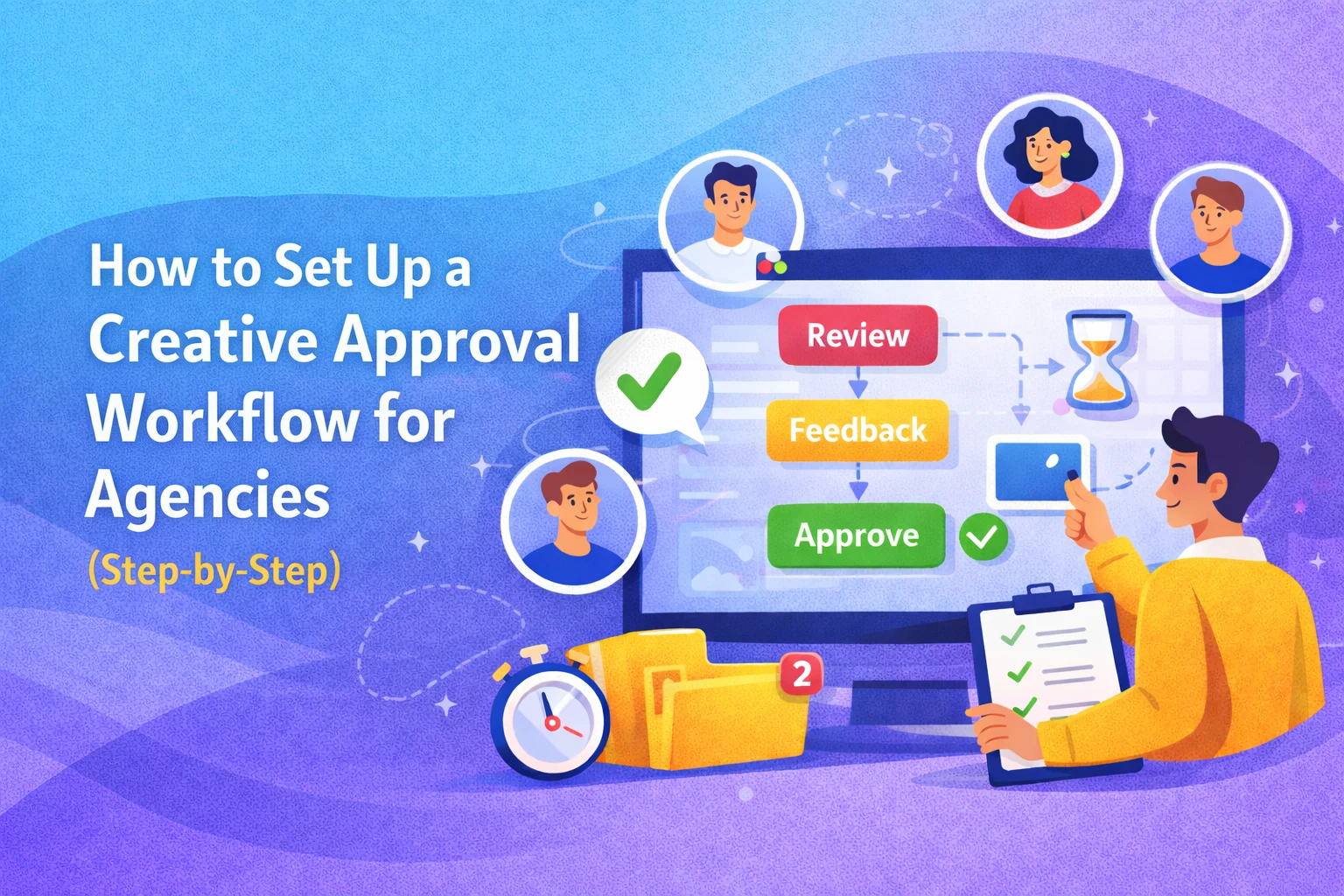
Managing creative projects in an agency can quickly become chaotic. Designs get shared over email, feedback comes in from multiple channels, and approvals get delayed because no one knows who needs to sign off. Without a structured system, even great creative work can get stuck in endless revisions.
This is where a creative approval workflow for agencies becomes essential. It brings structure, clarity, and speed to your review process so projects move forward without confusion.
- Define clear approval stages and responsibilities
- Centralize feedback in one place
- Use visual collaboration tools for clarity
- Set deadlines and priorities for approvals
- Track progress to avoid delays
In this guide, you will learn how to set up a step-by-step creative approval workflow that reduces bottlenecks, improves collaboration, and helps your agency deliver faster.
Why Agencies Need a Creative Approval Workflow
Agencies deal with multiple stakeholders, tight deadlines, and constant revisions. Without a defined system, feedback becomes scattered and approvals take longer than necessary.
Common problems agencies face:
- Feedback spread across emails, Slack, and calls
- Conflicting comments from different stakeholders
- No clear approval hierarchy
- Missed deadlines due to delays in sign-off
- Rework caused by unclear feedback
A structured workflow solves these issues by creating a repeatable system for reviewing and approving creative assets.
What Is a Creative Approval Workflow for Agencies?
A creative approval workflow for agencies is a step-by-step process that defines how creative work is reviewed, revised, and approved before final delivery.
It includes:
- Who reviews the work
- What feedback is required
- When approvals are given
- How revisions are managed
The goal is simple. Reduce confusion and move projects forward efficiently.
Step-by-Step Guide to Setting Up a Creative Approval Workflow
Step 1: Define Your Workflow Stages
Start by breaking your creative process into clear stages.
A typical workflow might look like:
- Draft or initial design
- Internal team review
- Client review
- Final revisions
- Approval and delivery
Each stage should have a clear purpose so everyone knows what to expect.
Step 2: Assign Roles and Responsibilities
One of the biggest reasons workflows fail is unclear ownership.
Define who is responsible for:
- Creating the asset
- Reviewing the design
- Providing feedback
- Giving final approval
For example:
- Designers create the work
- Project managers coordinate reviews
- Clients or stakeholders approve
This eliminates confusion and speeds up decision-making.
Step 3: Centralize Feedback in One Place
Scattered feedback is the biggest productivity killer.
Avoid using multiple channels like:
- Emails
- Chat messages
- Separate documents
Instead, use a centralized platform where all feedback is stored and tracked. Tools like BugSmash allow teams to leave visual comments directly on designs, websites, videos, and other assets.
Benefits of centralized feedback:
- No missed comments
- Clear context for every suggestion
- Faster revisions
- Better accountability
Step 4: Use Visual Feedback Instead of Text
Text-based feedback often leads to confusion.
For example:
“This section needs improvement” is unclear.
Instead, visual feedback allows you to:
- Click on a specific area
- Add a comment directly
- Highlight exact changes needed
Platforms like BugSmash make this process easier by letting teams annotate live designs and track feedback visually.
This reduces back-and-forth communication and speeds up approvals.
Step 5: Set Clear Deadlines for Each Stage
Without deadlines, approvals get delayed.
Define timelines for:
- Internal reviews
- Client feedback
- Final approvals
Example:
- Internal review: 24 hours
- Client review: 48 hours
- Final approval: 24 hours
This keeps projects moving and prevents bottlenecks.
Step 6: Prioritize Feedback
Not all feedback is equally important.
Categorize feedback into:
- Critical: Must be fixed before approval
- Important: Improves quality but not urgent
- Optional: Nice-to-have changes
This helps teams focus on what matters most and avoid unnecessary delays.
Step 7: Track Progress and Approval Status
A good workflow includes visibility into progress.
Track:
- Pending reviews
- Completed feedback
- Approved assets
Using a tool like BugSmash, teams can see which comments are resolved, which are pending, and who is responsible.
This ensures nothing gets lost in the process.
Step 8: Create a Feedback Loop for Continuous Improvement
After each project, review what worked and what did not.
Ask:
- Were there delays in approvals?
- Was feedback clear and actionable?
- Did any stage cause confusion?
Use these insights to refine your workflow over time.
Best Practices for a Smooth Approval Workflow
To make your creative approval workflow for agencies more effective, follow these best practices:
- Keep feedback clear and actionable
- Limit the number of reviewers to avoid confusion
- Avoid conflicting feedback by aligning stakeholders early
- Use visual tools for better clarity
- Maintain a single source of truth for all comments
- Set expectations with clients upfront
These practices ensure your workflow remains efficient and scalable.
Common Mistakes to Avoid
Even well-designed workflows can fail if these mistakes are not addressed:
- No clear approval hierarchy
- Too many stakeholders giving feedback
- Relying on text-based feedback
- Ignoring deadlines
- Not tracking revisions properly
Avoiding these issues can significantly improve your turnaround time.
FAQs About Creative Approval Workflow for Agencies
1. What is a creative approval workflow?
It is a structured process that defines how creative work is reviewed, revised, and approved before final delivery.
2. Why do agencies need a creative approval workflow?
It helps reduce confusion, speeds up approvals, and ensures better collaboration across teams and clients.
3. What tools can help manage approvals?
Visual collaboration tools like BugSmash help centralize feedback, track progress, and simplify approvals.
4. How can I speed up approvals in my agency?
Set clear deadlines, limit reviewers, and use visual feedback tools to reduce confusion.
5. How many approval stages should a workflow have?
It depends on the project, but most workflows include internal review, client review, and final approval stages.
Conclusion
A well-defined creative approval workflow for agencies is not just about managing feedback. It is about creating a system that keeps projects moving, reduces confusion, and improves collaboration.
When your workflow is clear, your team spends less time chasing approvals and more time creating great work. Clients get faster responses, and projects get delivered on time.
By defining stages, assigning roles, centralizing feedback, and using visual collaboration tools like BugSmash, agencies can turn a chaotic review process into a streamlined system.
Because in the end, the faster you approve, the faster you grow.




Leave a Reply