
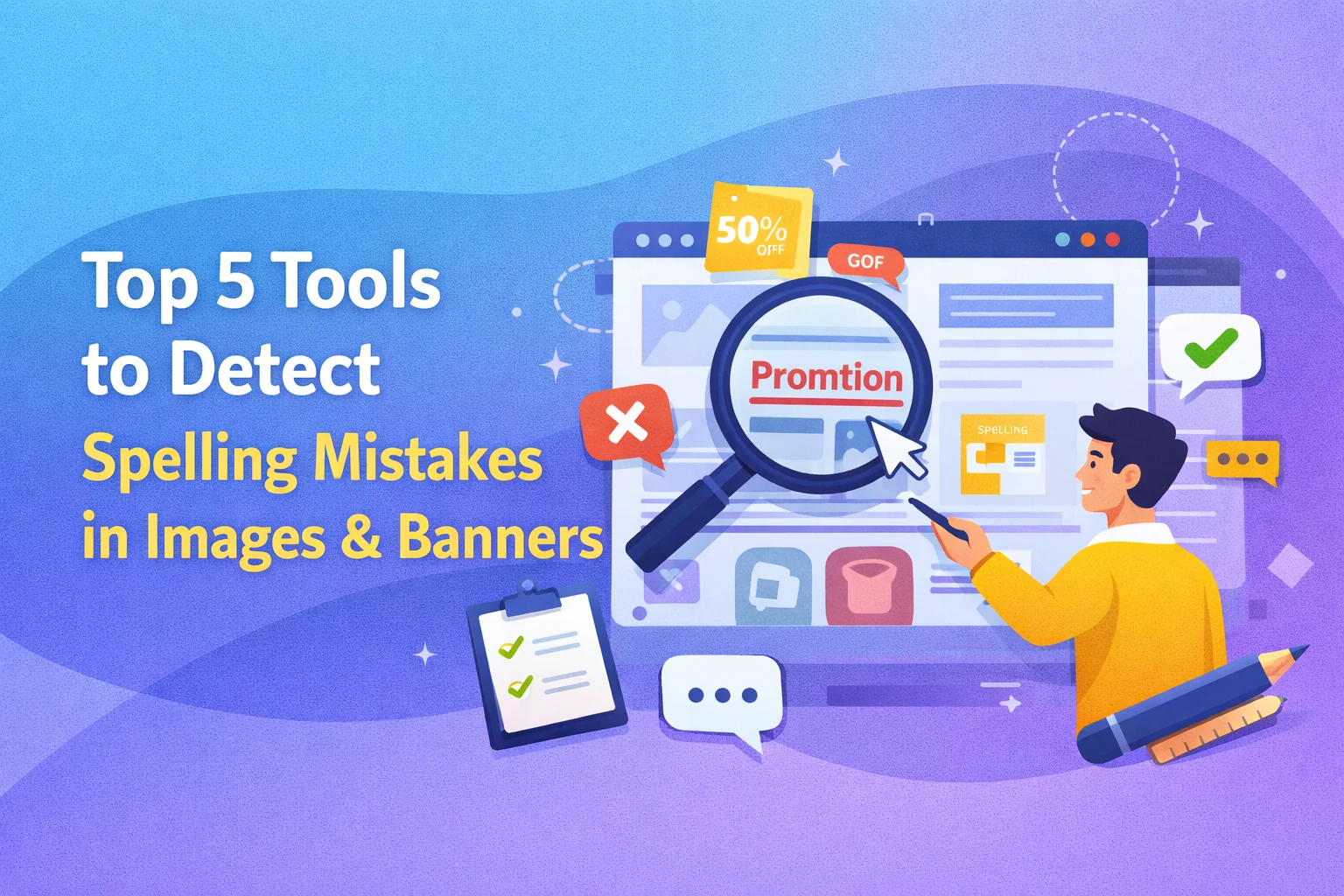
Spelling mistakes in banners, ads, and creatives are more common than you think. And worse, they often go unnoticed until it’s too late. Traditional spell checkers simply don’t work on images.
That’s why tools like an AI spelling checker for images are becoming essential for designers, marketers, and QA teams.
- Spelling mistakes in visuals damage credibility
- Traditional spell check tools cannot scan images
- AI tools extract and analyze text inside images
- The right tool helps catch errors before publishing
In this guide, we’ll break down the top 5 tools to detect spelling mistakes in images, including tools that directly scan visuals and those that support the workflow.
Why Spelling Mistakes in Images Are Critical
Unlike text documents, image-based content does not get auto-checked. That makes errors harder to detect and easier to publish accidentally.
Here’s why it matters:
- First impressions drop instantly
- Ad performance can suffer
- Fixing errors post-launch is costly
- Manual reviews are inconsistent
That’s exactly why AI spelling checker for images tools exist — to automate what humans often miss.
What Is an AI Spelling Checker for Images?
An AI spelling checker for images uses OCR and language models to:
- Extract text from images
- Detect spelling and grammar issues
- Highlight exact error locations
- Suggest corrections
Some tools do this directly. Others require a two-step workflow.
Top 5 Tools to Detect Spelling Mistakes in Images
1. BugSmash (Best for Direct Image Spell Checking + Feedback)
BugSmash is one of the few tools that directly works as an AI spelling checker for images — not just an OCR workaround.
Key Features:
- Detect spelling errors directly in images
- Highlight exact error locations
- Suggest corrections instantly
- Works on ads, banners, and website screenshots
- No-login sharing for team collaboration
Why It Stands Out:
Unlike most tools that require extracting text first, BugSmash allows you to upload creatives and detect spelling errors directly within the image itself
Best For:
Marketing teams, designers, and agencies reviewing creatives before launch
2. Google Cloud Vision AI
Google Vision is one of the most accurate OCR engines available. It extracts text from images with high precision.
Key Features:
- Advanced OCR
- Multi-language support
- API integration
Limit:
It does not check spelling directly. You need to pass extracted text into another tool.
Best For:
Developers building custom pipelines
3. Microsoft Azure Computer Vision
Azure offers enterprise-grade OCR with strong integration capabilities.
Key Features:
- Text extraction from images
- Language detection
- Cloud-based processing
Limit:
Like Google Vision, it requires a second step for spell checking.
Best For:
Enterprise teams using Microsoft stack
4. Adobe Acrobat (OCR + Manual Proofing)
Adobe Acrobat allows you to extract text from visuals and manually review it.
Key Features:
- OCR conversion
- Built-in editing tools
- Easy export
Limit:
Not automated for image spell checking
Best For:
Designers reviewing static creatives
5. Photo Spell Check (Mobile-Based OCR Tool)
A niche but useful tool for quick checks via mobile.
Key Features:
- Capture image via camera
- Detect and highlight spelling errors
- Suggest corrections
Why It’s Useful:
It combines OCR and spell checking in a simple interface, especially for quick reviews
Best For:
Quick checks and on-the-go use
Direct Tools vs OCR Workflows (Important Distinction)
Here’s the reality most blogs miss:
Not all tools are equal.
- Direct AI spelling tools (like BugSmash):
- Detect errors inside images instantly
- Highlight issues visually
- No extra steps
- OCR-based tools:
- Extract text first
- Require second tool for checking
- Slower and more manual
If speed and accuracy matter, direct tools win.
How to Choose the Right Tool
Pick based on your workflow, not just features:
For Agencies & Marketing Teams
Go for direct tools like BugSmash
For Developers
Use Google Vision or Azure with custom pipelines
For Designers
Adobe + manual review can work for smaller projects
For Quick Checks
Mobile OCR tools are sufficient
Best Practices to Avoid Spelling Mistakes in Visual Content
Even with AI, process matters:
- ✔ Proofread text before designing
- ✔ Use consistent templates
- ✔ Always run a final visual check
- ✔ Use AI tools before publishing
- ✔ Get a second reviewer
AI reduces errors. Process eliminates them.
FAQs About AI Spelling Checker for Images
1. Can AI directly detect spelling mistakes in images?
Yes. Tools like BugSmash can detect and highlight spelling errors directly inside images.
2. Are OCR tools enough?
Not fully. They extract text but do not always check spelling automatically.
3. Which tool is best overall?
For direct usage, BugSmash is one of the most complete solutions.
4. Can these tools handle multiple languages?
Advanced tools like Google Vision support multiple languages.
5. Why not rely on manual reviews?
Because humans miss things, especially in fast workflows.
Conclusion
Spelling mistakes in images are easy to overlook but hard to ignore once published. They affect credibility, performance, and user trust.
That’s why using an AI spelling checker for images is no longer optional for teams creating visual content at scale.
While many tools help indirectly through OCR, platforms like BugSmash take it further by detecting errors directly inside visuals and simplifying the entire review process.
If your workflow still relies on manual checks, you are not just risking mistakes — you are slowing down your team.
Because in modern workflows, speed matters. But accuracy matters more.


Leave a Reply