
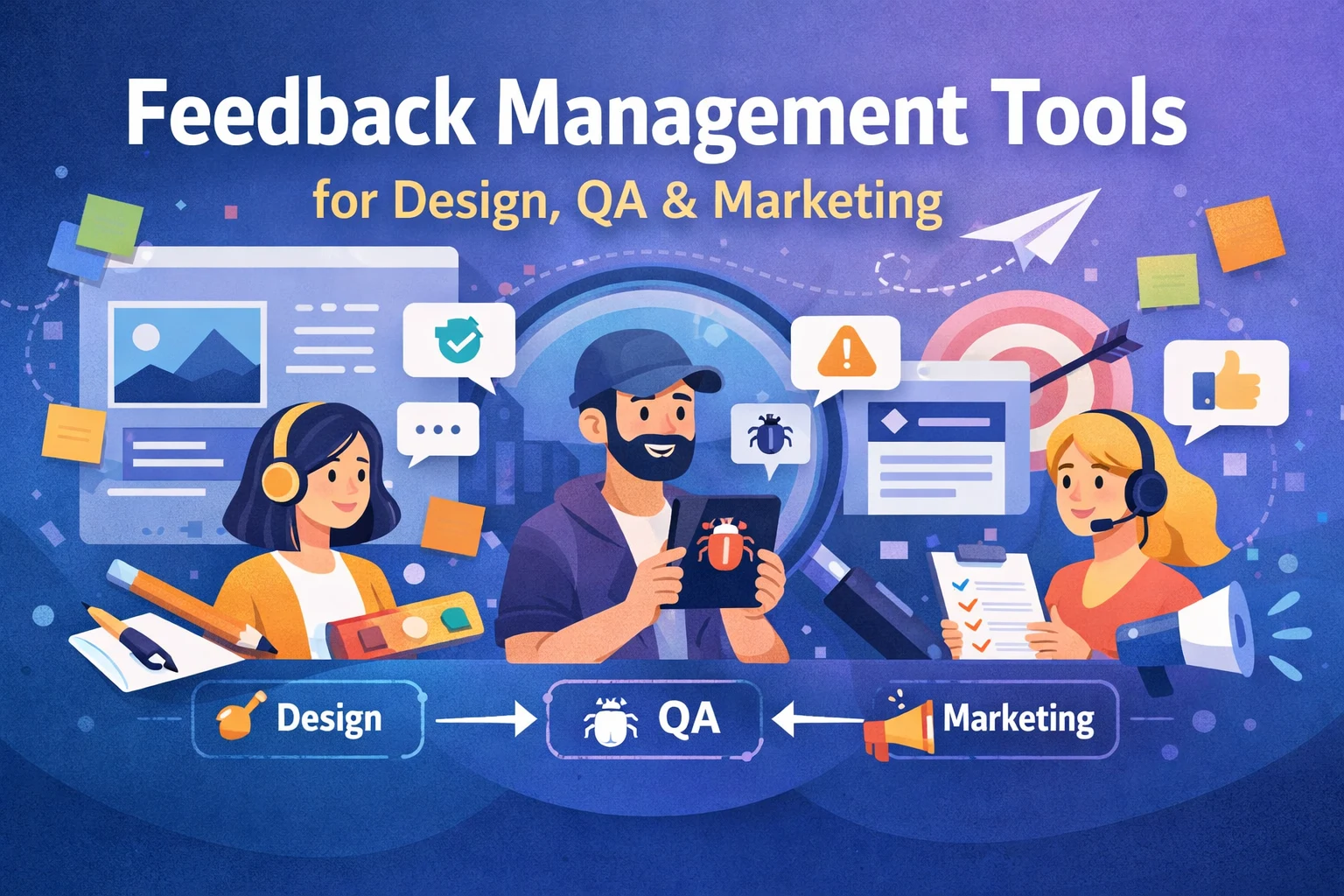
If your team manages feedback through emails, Slack threads, spreadsheets, and scattered screenshots, you are losing time and clarity. Feedback management tools exist to solve this exact problem. They help design, QA, and marketing teams collect, organize, and act on feedback in one place, without confusion or endless back-and-forth.
This blog explains why feedback breaks down across teams, what to look for in modern feedback management tools, and which tools work best when design, QA, and marketing need to collaborate efficiently. If faster approvals, fewer mistakes, and smoother launches matter to you, this guide will give you the full picture quickly.
Why Feedback Breaks Across Design, QA, and Marketing
On paper, feedback sounds simple. In reality, it is one of the biggest workflow blockers in cross-functional teams.
Here is where things usually go wrong:
- Design teams receive vague comments like “this doesn’t feel right”
- QA teams log bugs without enough context or visuals
- Marketing teams chase approvals across emails and chat tools
- Developers spend more time clarifying issues than fixing them
Each team uses different tools, communicates differently, and works on different timelines. Without a shared system, feedback becomes fragmented. That fragmentation is where delays, rework, and frustration begin.
This is exactly why feedback management tools are no longer optional for growing teams.
What Are Feedback Management Tools?
Feedback management tools are platforms that centralize feedback from multiple teams, including design, QA, marketing, clients, and stakeholders, into a single, structured workflow.
Instead of scattered inputs, these tools provide:
- Visual and contextual feedback, such as screenshots, annotations, and recordings
- Clear ownership and task tracking
- Version history and organized comment threads
- Faster approvals with better accountability
In simple terms, they turn feedback from noise into action.
What to Look for in Feedback Management Tools
Not all tools are built for cross-team collaboration. If your goal is alignment across design, QA, and marketing, these features matter most.
1. Visual Feedback Capabilities
Text-only feedback creates confusion. The best tools allow users to:
- Comment directly on designs, websites, or creative assets
- Add annotations, screenshots, or short recordings
- See exactly what the feedback refers to, without explanation calls
This feature alone can dramatically reduce revision cycles for designers and QA teams.
2. Multi-Format Support
Modern teams do not work on just one asset type. Your feedback tool should support:
- Websites and web applications
- Images and design files
- Videos and marketing creatives
- PDFs and documents
When all formats are supported in one place, feedback stays connected to context.
3. Cross-Team Accessibility
Marketing stakeholders and clients should not need training or accounts just to leave feedback. Strong tools offer:
- Shareable review links
- Simple, intuitive interfaces
- Permission-based access control
The easier it is to give feedback, the faster projects move forward.
4. Workflow and Task Management
Feedback without follow-through is wasted effort. Effective feedback management tools include:
- Task assignment and status tracking
- Clear ownership for every comment or issue
- Visibility into what is pending, resolved, or blocked
This structure is especially valuable for QA teams and project managers.
5. Integrations With Existing Tools
Your feedback tool should fit into your workflow, not disrupt it.
Look for integrations with:
- Jira, Trello, or Asana for QA and development teams
- Slack or email for notifications
- Cloud storage or design tools
Some platforms, such as BugSmash, are often used as a feedback layer on top of existing tools, which makes adoption easier and faster.
Best Tools for Managing Feedback Across Teams
Below are some of the most effective tools teams use today to manage feedback across design, QA, and marketing workflows.
1. BugSmash
BugSmash is built to centralize visual feedback across websites, applications, videos, images, and documents.
Why teams use it:
- Visual annotations with full context
- Feedback from internal teams and external reviewers
- No-login client reviews
- Integrations with Jira, Trello, GitHub, and Slack
It is commonly used by teams that want one feedback hub without forcing a complete tool overhaul.
2. Userback
Userback focuses on collecting user feedback and bug reports directly from live websites and applications.
Best for:
- QA and product teams
- Capturing bugs with technical environment data
- Continuous feedback loops during development
3. Pastel
Pastel is popular among agencies for collecting website feedback directly on live pages.
Best for:
- Design and marketing teams
- Client-facing website reviews
- Quick visual commenting with minimal setup
4. Filestage
Filestage is designed for structured review and approval workflows, particularly for marketing content.
Best for:
- Marketing and content teams
- Multi-step approval processes
- Teams that require clear audit trails
5. Jira Combined With Visual Feedback Tools
Jira alone is not ideal for design or marketing feedback. When paired with visual feedback tools, it becomes far more effective.
Best for:
- Development-heavy organizations
- QA workflows that require strict issue tracking
How Feedback Management Tools Improve Each Team’s Workflow
For Design Teams
- Clear, visual feedback instead of abstract opinions
- Fewer revision cycles
- Better alignment with non-design stakeholders
For QA Teams
- Context-rich bug reports
- Faster reproduction and resolution
- Less back-and-forth with developers
For Marketing Teams
- Faster approvals for creatives and landing pages
- One place to manage stakeholder input
- More predictable campaign launch timelines
The biggest advantage is shared visibility. Everyone sees the same feedback in the same place.
Common Mistakes Teams Make With Feedback Tools
Even the best tool fails without the right process. Common mistakes include:
- Treating feedback tools like storage instead of workflow systems
- Allowing vague or unstructured comments
- Failing to assign ownership to feedback
- Leaving resolved issues open indefinitely
A feedback tool works only when paired with clear expectations and accountability.
FAQs About Feedback Management Tools
What are feedback management tools used for?
They help teams collect, organize, and act on feedback from design, QA, marketing, and stakeholders in one centralized system.
Are feedback management tools only for designers?
No. They are equally useful for QA, marketing, product, and client-facing teams.
Do feedback management tools replace project management software?
Usually not. Most work best as a feedback layer integrated with tools like Jira or Trello.
How do these tools improve speed?
By reducing confusion, eliminating clarification cycles, and making feedback visual and actionable.
Can clients use feedback tools easily?
Yes. Many modern tools allow feedback through simple links without requiring logins.
Conclusion
Feedback is unavoidable. Chaos is not.
The right feedback management tools transform scattered opinions into clear, actionable input that design, QA, and marketing teams can actually use. They reduce friction, improve delivery speed, and help teams collaborate without burning time or trust.
Whether you are launching a website, testing a product, or approving marketing campaigns, investing in a structured feedback system is not just about efficiency. It is about alignment.
And in modern teams, alignment is what keeps everything moving forward.




Leave a Reply