
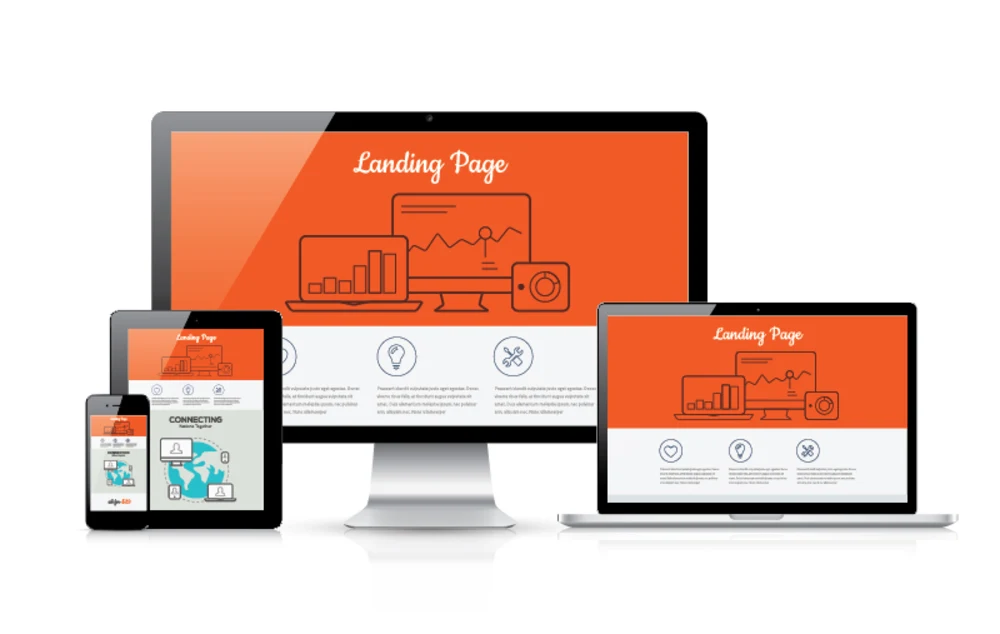
Reviewing landing pages and campaign creatives should be simple. Yet for most marketing and design teams, it’s anything but. Feedback gets scattered across emails, Slack threads, screenshots, and last-minute calls. That chaos slows approvals, creates confusion, and often leads to costly mistakes going live.
This is exactly why landing page review tools have become essential in 2026. These tools centralize feedback, allow visual commenting, and help teams review websites, ads, and campaign creatives in one place, without endless back-and-forth.
In this guide, we’ll break down the 10 best tools for reviewing landing pages and campaign creatives, who they’re best for, and how they help teams move faster without losing clarity.
Why Teams Need Dedicated Landing Page Review Tools
Before diving into the list, it’s important to understand why general-purpose tools fall short.
Most teams struggle with:
- Feedback spread across multiple platforms
- Vague comments like “this doesn’t look right”
- Missed revisions and unclear ownership
- Slow client approvals
Modern landing page review tools solve this by offering:
- Visual, on-page feedback
- Centralized discussions and versions
- Easy sharing with clients and stakeholders
- Clear accountability for fixes and approvals
The result? Faster launches and fewer mistakes.
10 Best Landing Page Review Tools for Campaign Teams
1. BugSmash
BugSmash is a visual review and feedback platform designed for websites, landing pages, ads, videos, and other campaign assets.
Why it stands out:
- Comment directly on live landing pages
- Supports websites, images, videos, PDFs, and more
- No-login access for clients
- Integrates with Jira, Trello, GitHub, and Slack
Best for: Marketing teams, product teams, and design teams managing multi-channel campaigns.
2. Pastel
Pastel is purpose-built for reviewing live websites. It allows stakeholders to comment directly on landing pages using simple shareable links.
Key features:
- On-page visual comments
- Automatic screenshots for each comment
- Simple client-friendly interface
Best for: Agencies reviewing multiple landing pages for clients.
3. Ruttl
Ruttl enables real-time feedback and even live edits on landing pages, making it ideal for iterative campaign work.
Key features:
- Visual comments and live text edits
- Version history
- Design tool integrations
Best for: Design and marketing teams working closely with developers.
4. Filestage
Filestage focuses on structured review and approval workflows for creatives, including landing pages, ads, and videos.
Key features:
- Multi-stage approvals
- Role-based permissions
- Audit trails and version control
Best for: Marketing teams with strict approval processes.
5. Userback
Userback captures visual feedback directly from live websites and web apps, combining review and bug reporting.
Key features:
- Screenshots and video feedback
- Technical metadata capture
- Integration with project management tools
Best for: Product-led growth teams and SaaS marketers.
6. PageProof
PageProof is designed for teams that need secure and traceable feedback for campaign assets.
Key features:
- Secure client access
- Visual annotations
- Approval tracking and audit logs
Best for: Enterprise marketing teams and regulated industries.
7. GoVisually
GoVisually is a lightweight proofing tool for reviewing landing pages, banners, and campaign visuals.
Key features:
- Simple visual feedback
- Fast onboarding for clients
- Notifications and comment tracking
Best for: Small agencies and creative teams.
8. Ziflow
Ziflow is a high-end creative review platform built for agencies managing large volumes of campaign assets.
Key features:
- Multi-format creative reviews
- Automated workflows
- Version comparison tools
Best for: Agencies handling large-scale ad campaigns.
9. Frame.io
Although best known for video, Frame.io is often used by campaign teams reviewing motion-heavy landing pages and ad creatives.
Key features:
- Time-stamped comments
- Asset versioning
- Real-time collaboration
Best for: Video-first marketing teams.
10. MarkUp
MarkUp allows teams to leave comments directly on live websites using browser-based annotations.
Key features:
- Live website commenting
- Shareable links
- Simple interface
Best for: Teams needing quick, no-frills website reviews.
How to Choose the Right Landing Page Review Tool
Not all landing page review tools serve the same purpose. Choosing the right one depends on how your team works.
Ask these questions:
- Do clients need to leave feedback easily?
- Are you reviewing just landing pages, or videos and ads too?
- Do you need integrations with Jira, Slack, or Trello?
- Is structured approval tracking important?
Pro tip:
Many high-performing teams combine tools, using a visual feedback platform (like BugSmash) for creative reviews and a project management tool for task execution.
Benefits of Reviewing Campaign Creatives in One Place
Centralizing reviews delivers immediate advantages:
- Faster approvals: No more chasing feedback across platforms
- Clear communication: Visual comments remove ambiguity
- Reduced rework: Everyone sees the same context
- Better accountability: Clear ownership of fixes
When reviews are centralized, campaigns launch faster—and with fewer errors.
FAQs About Landing Page Review Tools
1. What are landing page review tools?
They are platforms that allow teams to leave visual feedback directly on landing pages and campaign creatives.
2. Are these tools only for designers?
No. Marketers, copywriters, developers, clients, and stakeholders all benefit from centralized reviews.
3. Can clients review pages without logging in?
Yes. Most modern tools offer no-login, shareable review links.
4. Do these tools replace project management software?
Not entirely. They complement project tools by improving clarity during review and approval stages.
5. Which tool is best for agencies?
Agencies often prefer tools like BugSmash, Pastel, or Ziflow due to multi-format support and client-friendly workflows.
Conclusion
Campaign reviews don’t fail because teams lack talent—they fail because feedback is scattered and unclear. The right landing page review tools fix that by bringing comments, approvals, and revisions into one place.
Whether you’re reviewing a single landing page or managing dozens of campaign creatives, tools like BugSmash, Pastel, and Ruttl help teams collaborate visually, move faster, and launch with confidence.
In 2026, the teams that win aren’t just the most creative, they’re the most organized.




Leave a Reply